Defining accounts
From now on, if you worked with example_data previously, switch to the data_beantab ledger (run ./lazy_beancount.sh data_beantab or docker compose up from that directory).
Account names
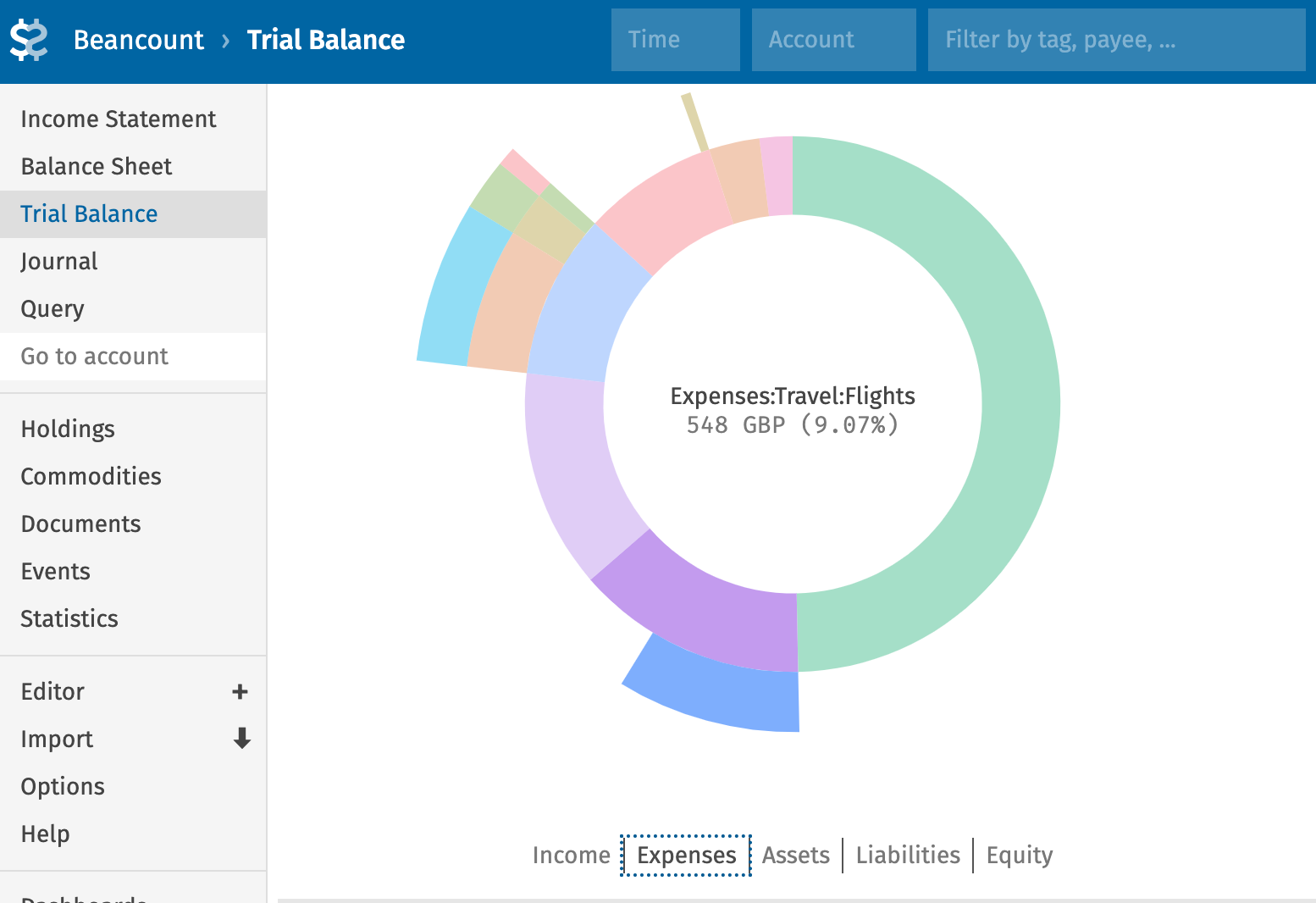
In account names, only the first segment (Assets, Liabilities, etc.) defines the account type. The rest is for your own structure. The : separator affects hierarchies in Fava and filters; shared prefixes group related accounts. Here you can find some examples of how people structure their accounts.
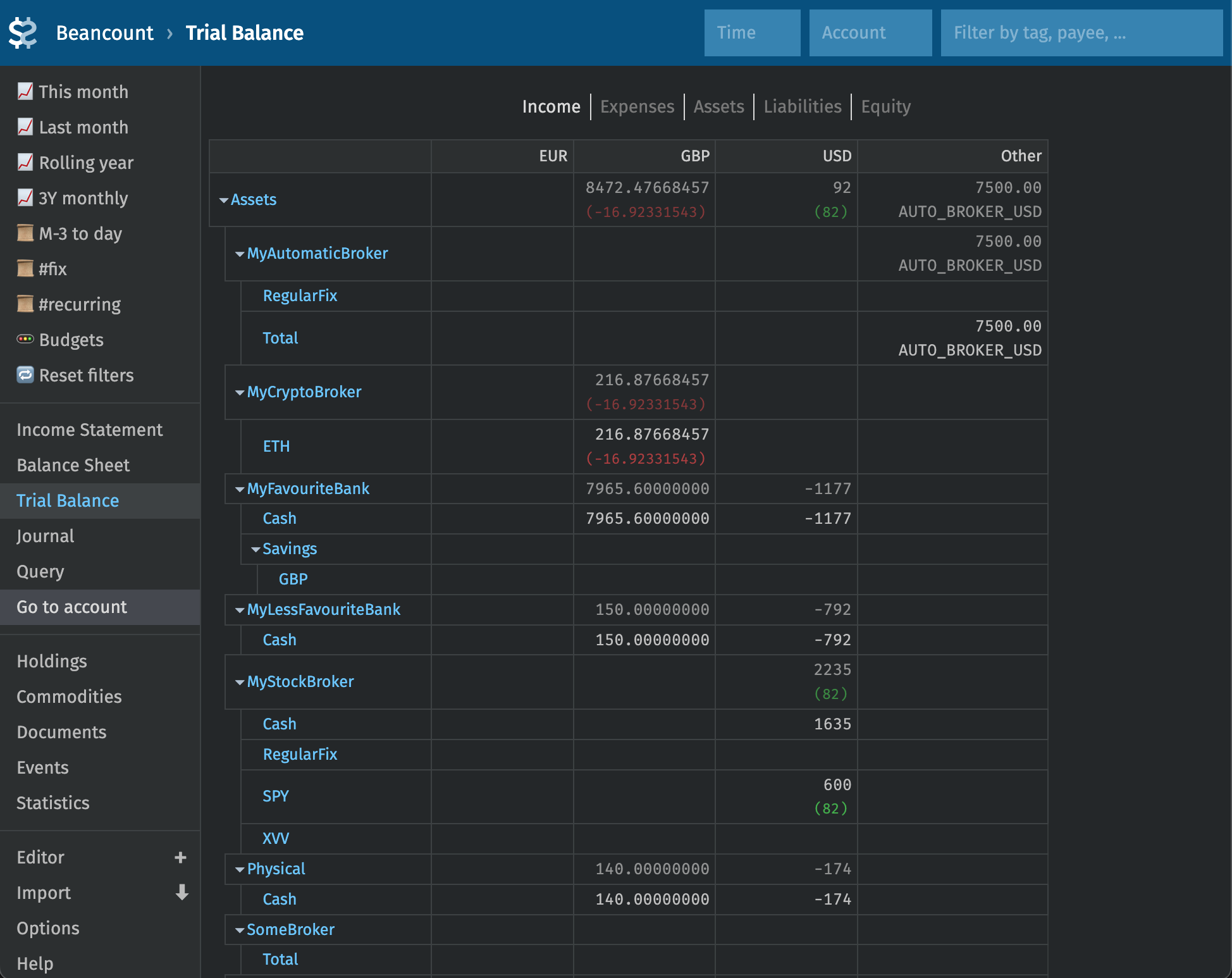
Renaming later is usually a search-and-replace in your repo. You can also remap names without editing data using the rename_accounts plugin.
View and add accounts
In Fava, open the Lazy Beancount report from the sidebar (fava-lazy-beancount).
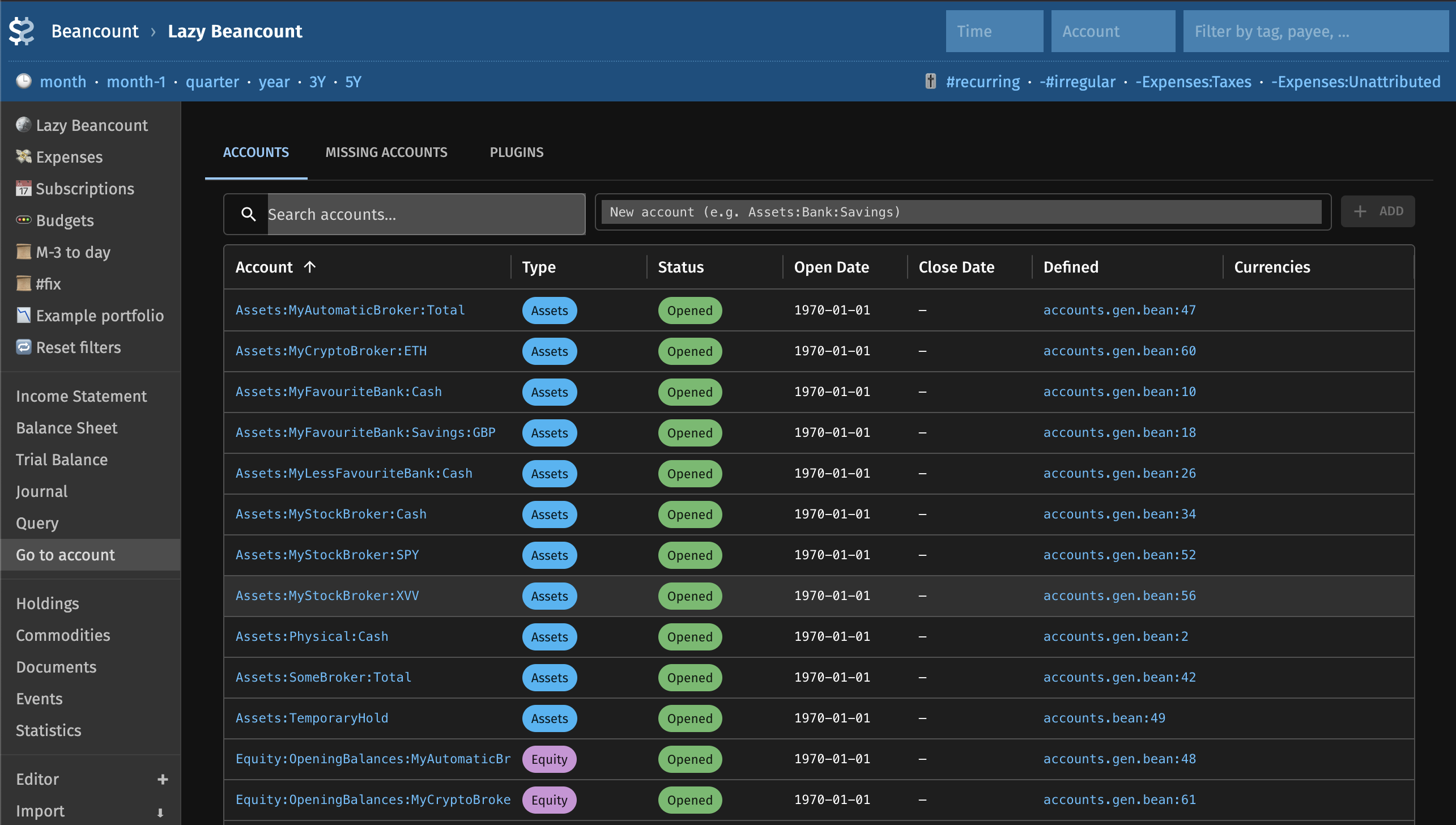
This is a view of accounts already mentioned in the ledger. Lazy Beancount uses auto_accounts plugin by default and accounts mentioned in the ledger will be automatically opened even if they do not have a corresponding open directive. However, to avoid typos and other unexpected mistakes, it is recommended to review the generated warnings and make sure that the accounts that you actually use are all explicitly defined.
You can type name of the account to open in the "New account" field and press Enter. The corresponding open directive will be appended to the accounts.bean.
Missing accounts
The table lists every account with type, status (opened, closed, auto-generated, missing), and links into Fava’s account and journal views.
Missing and (optionally) auto-generated accounts can also be added to accounts.bean in bulk from the "Missing accounts" tab.